 Foldra
Image to PDF · Android
Photos into a clean PDF, entirely on your phone.
Pick your images, arrange the order, convert. Nothing is uploaded, nothing is watermarked, and there is no cap on how many pages you can add.
Genuinely offline
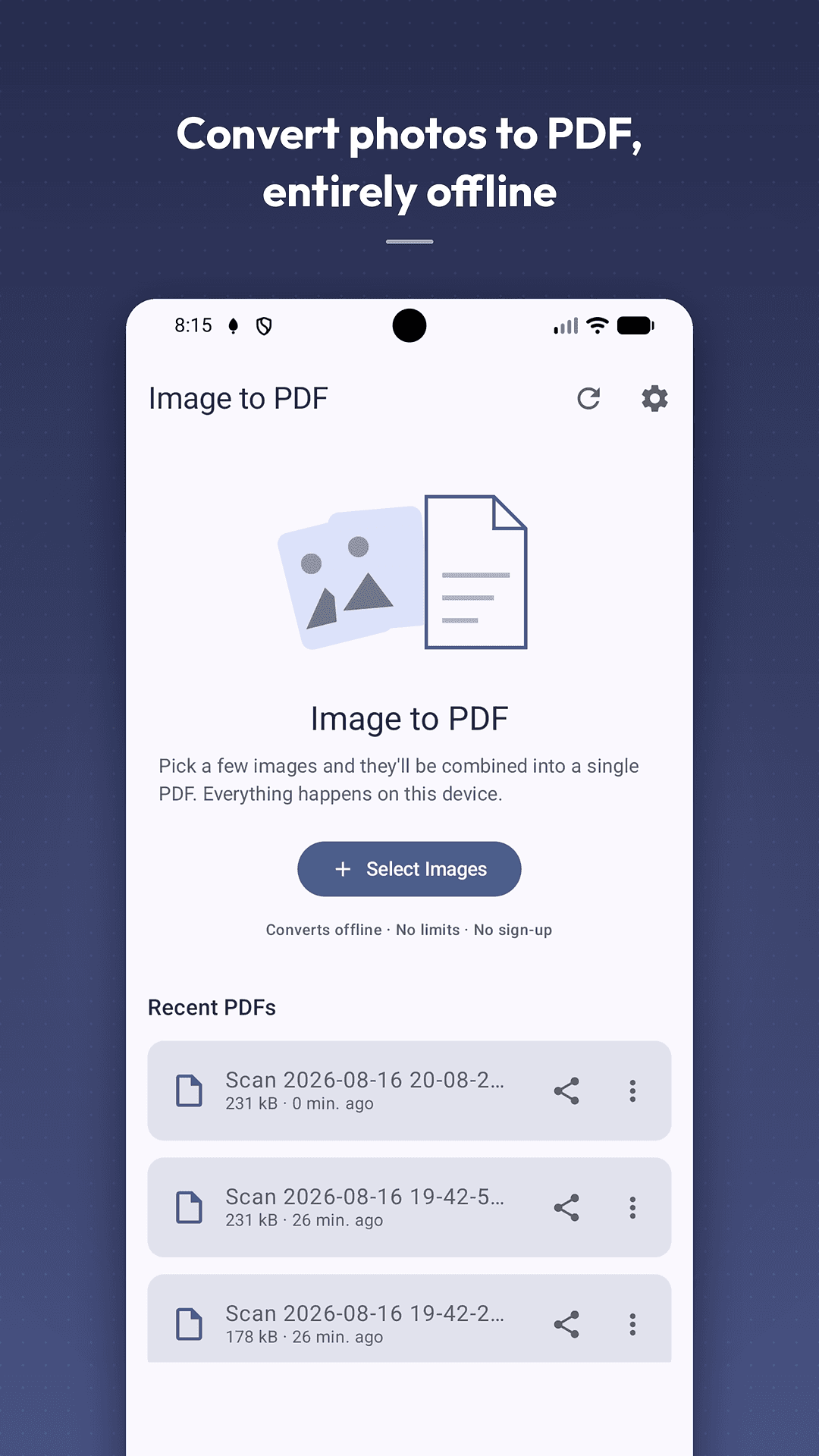
Your photos never leave the phone
Conversion never touches the internet. Images are decoded, rotated and written into the PDF entirely on your device. There is no account, no sign-up, no cloud storage and no server behind this app — it works on a plane, in a basement, on a train.
The full details are in the privacy policy.
What Foldra does
Everything between your camera roll and a finished PDF
Convert
Merge photos into one document
- JPG, JPEG, PNG, WebP and HEIC images
- Combine any number of images into one multi-page PDF
- Receipts, screenshots, scanned pages, whiteboards, handwritten notes
Arrange
Fix the order before you convert
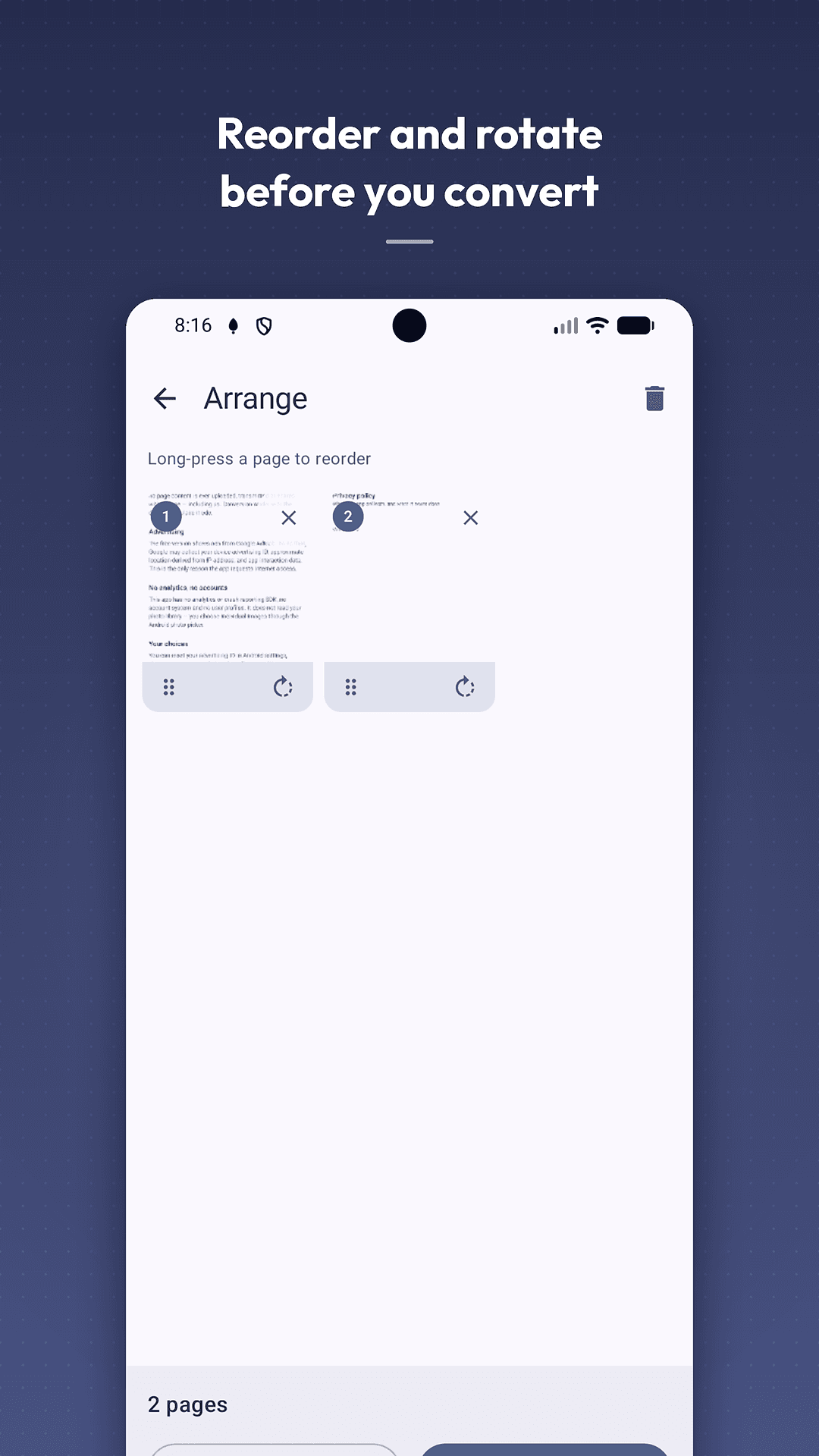
- Long-press any page to drag it into a new position
- Rotate the pages that came out sideways
- Remove pages, or add more without starting over
Control
Decide how the PDF comes out
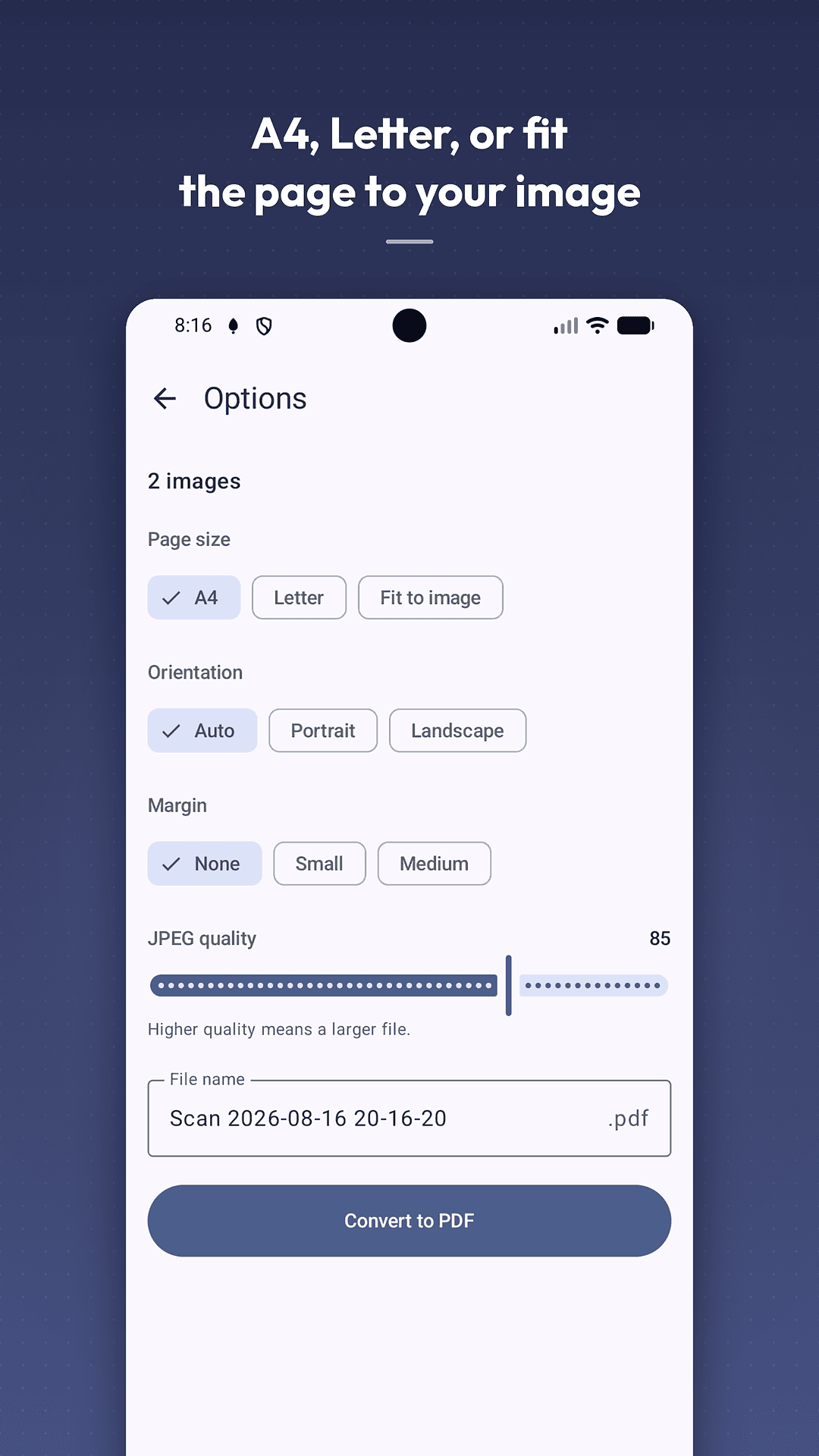
- A4, Letter, or fit the page exactly to your image
- Orientation and margins to match what you are sending
- A JPEG quality slider — trade sharpness against file size
Share
Open it, send it, or file it away
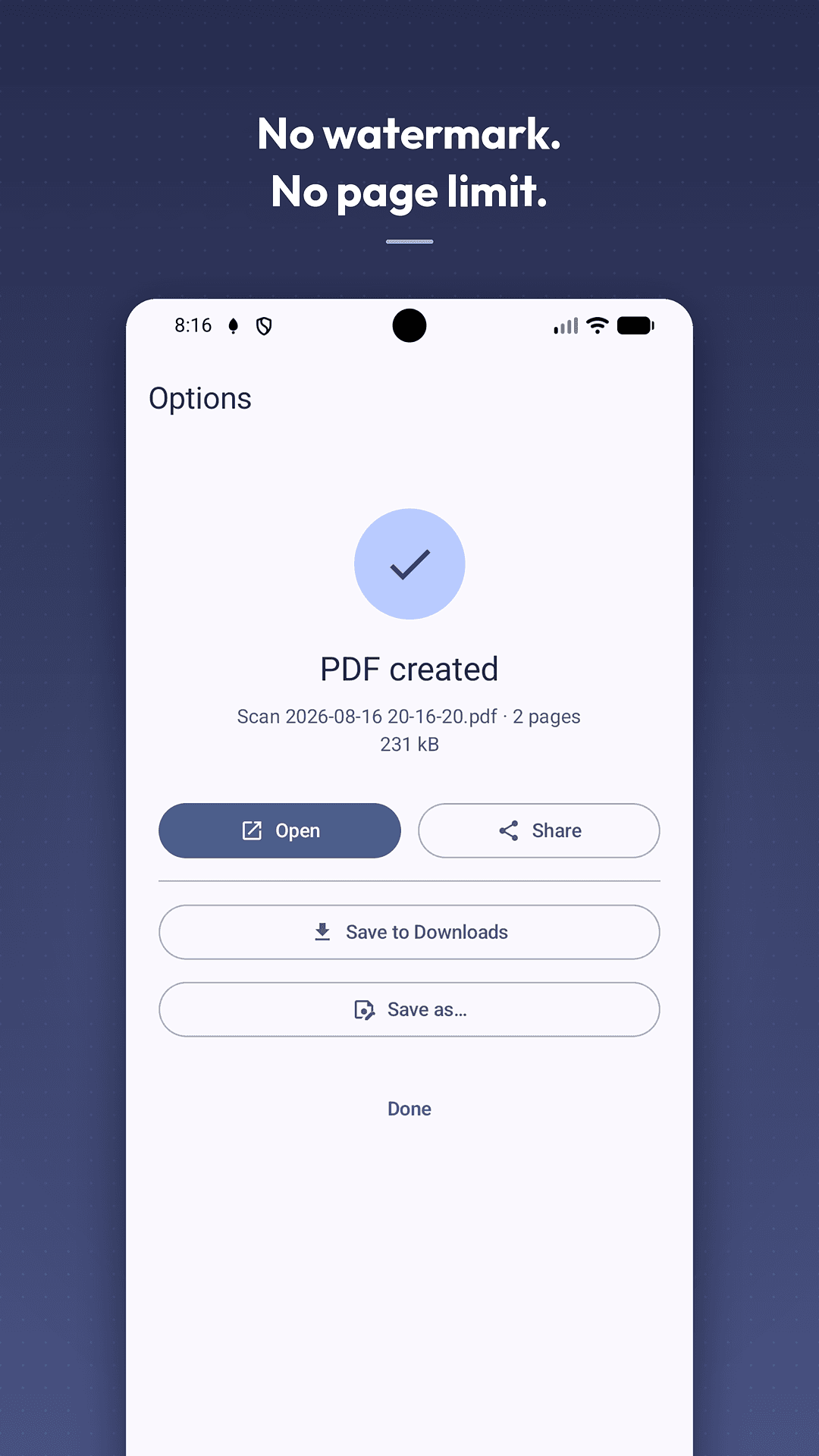
- Open the PDF straight away in any reader
- Share to email, WhatsApp, Drive or anywhere else
- Save to Downloads, or choose exactly where it goes
Pricing
Free to convert. Ad-free for a one-time price.
The conversion feature is free and stays free — no watermark, no page limit, no trial that expires.
- Free — no subscription, no sign-up
- No watermark and no cap on pages
- A one-time in-app purchase removes ads permanently
The free version shows ads from Google AdMob, which is the only reason the app requests internet access.
Take a look
Foldra, screen by screen
Questions
Foldra — frequently asked
Is Foldra free?
Yes. Converting images to PDF is free, with no watermark and no page limit. The free version is supported by ads, and a one-time in-app purchase removes them permanently — there is no subscription.
Does Foldra work offline?
Yes. Your images are read, rotated and written into the PDF entirely on your device, so conversion works in airplane mode. Internet access is only used to display ads and to verify the in-app purchase.
Does Foldra add a watermark to my PDF?
No. Every PDF comes out clean — no stamp in the corner, no "created with" footer, no page ceiling and no trial that expires.
Which image formats can Foldra convert?
JPG, JPEG, PNG, WebP and HEIC. You can combine any mix of them into one multi-page document, and orientation data is read from each file so portrait photos do not arrive sideways.
Are my photos uploaded anywhere?
No. Foldra has no account system and no server. Your images and the PDFs you create stay on your phone — we cannot see them, because there is nowhere for them to go.