Does Vocly upload my music to a server?
+
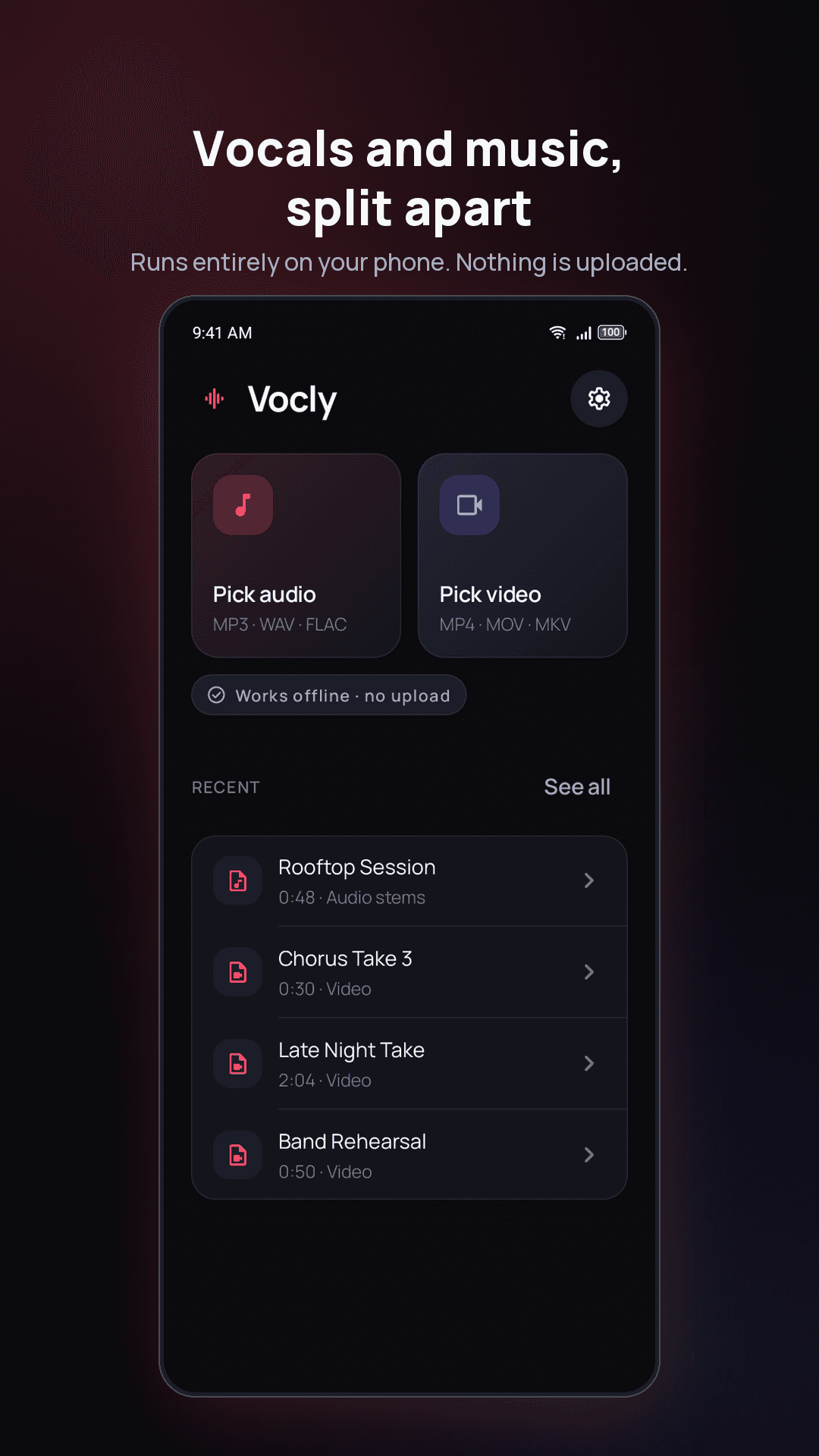
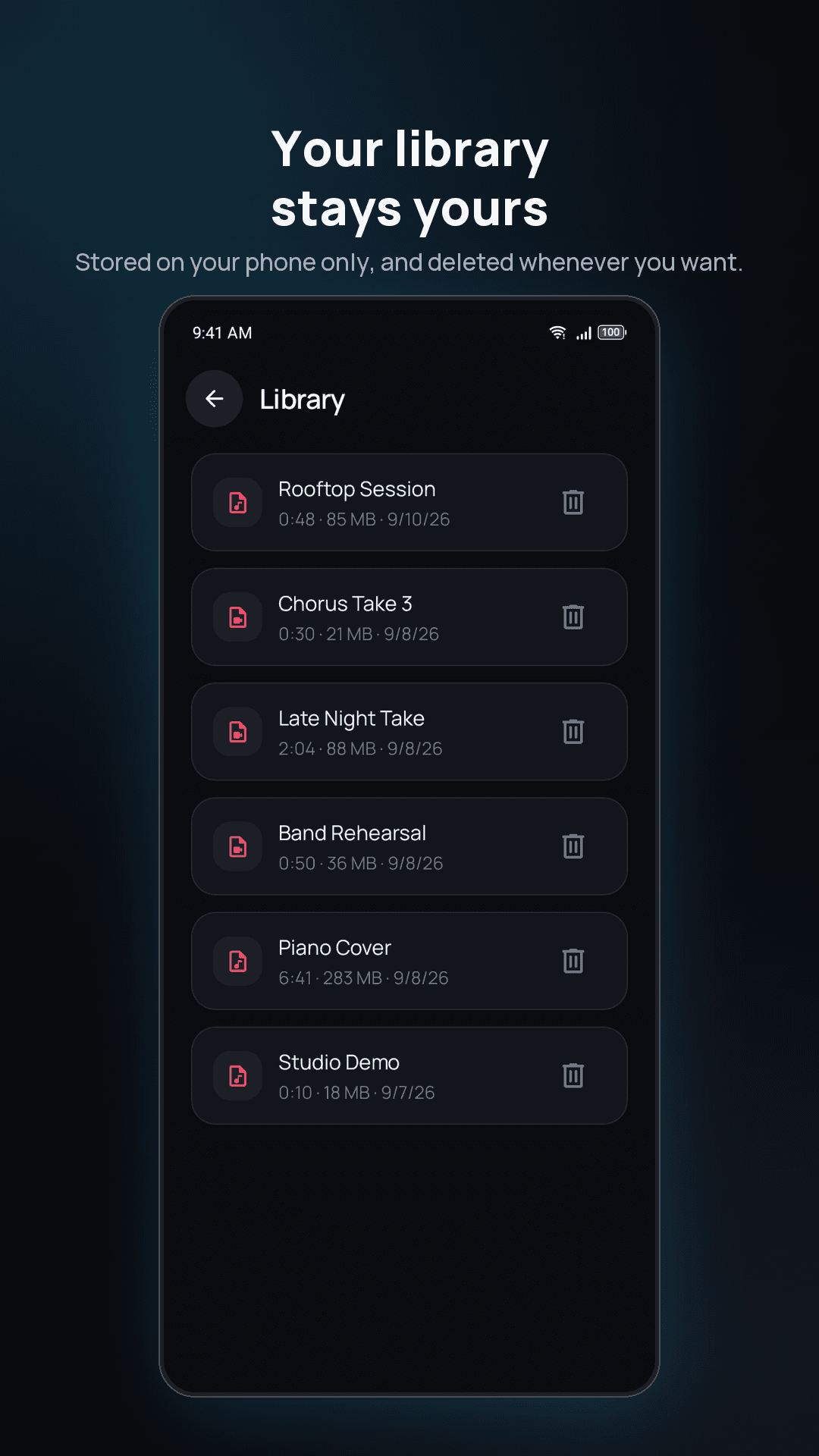
No. The separation runs on your device using an on-device AI model. Your audio is never uploaded, and the models ship inside the app on both iPhone and Android, so it works with no internet connection at all.
Can Vocly remove vocals from a video?
+
Yes. Import an MP4 or MOV, split its audio, then export the same video with only the vocals or only the music. The picture is not re-encoded, so quality is unchanged and the export is fast.
What is the difference between two stems and four?
+
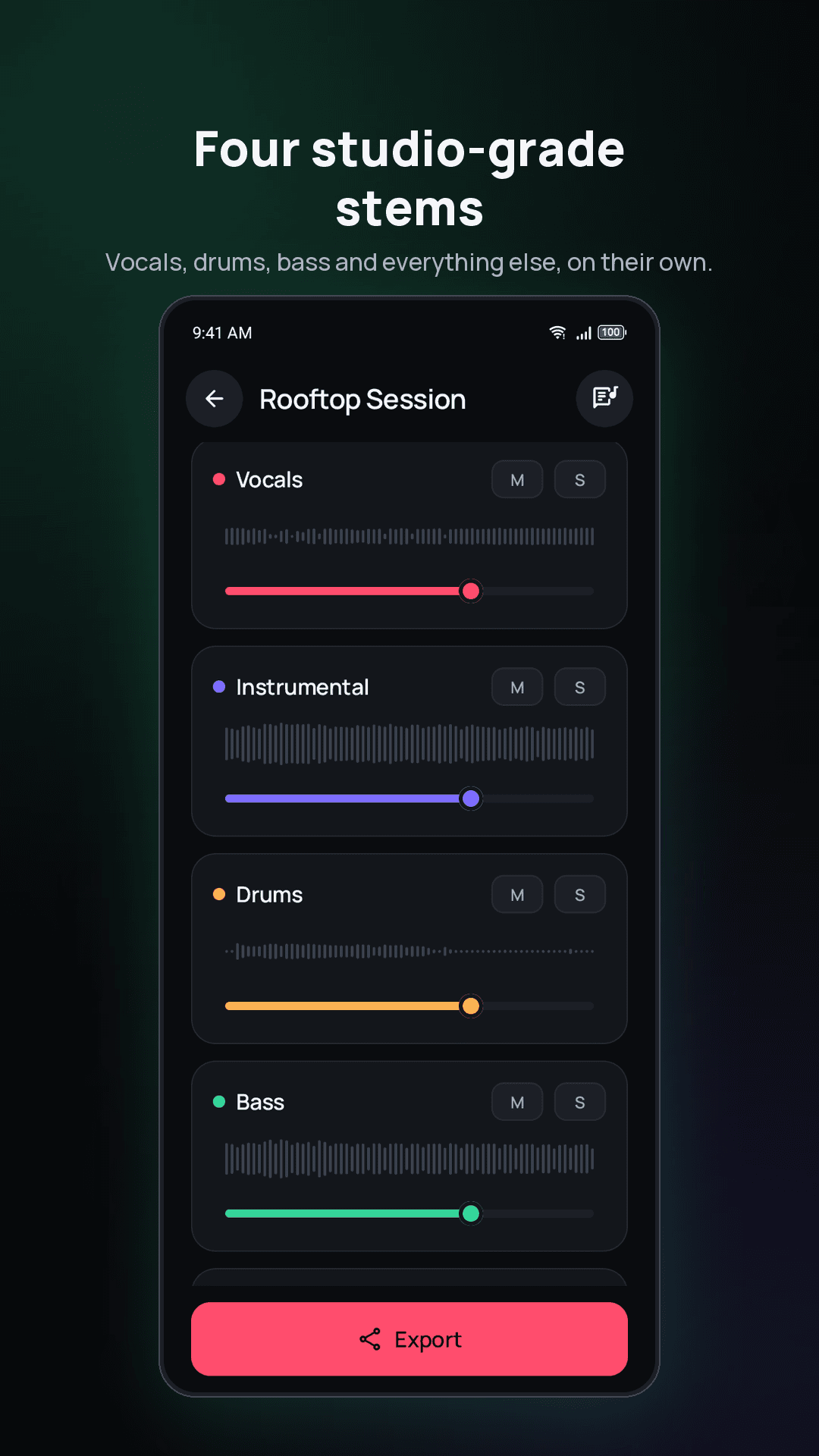
The standard run gives you two: vocals and instrumental. Advanced mode separates four — vocals, drums, bass and everything else — which is more useful if you are learning a part or remixing rather than just making a karaoke track.
What formats can I export?
+
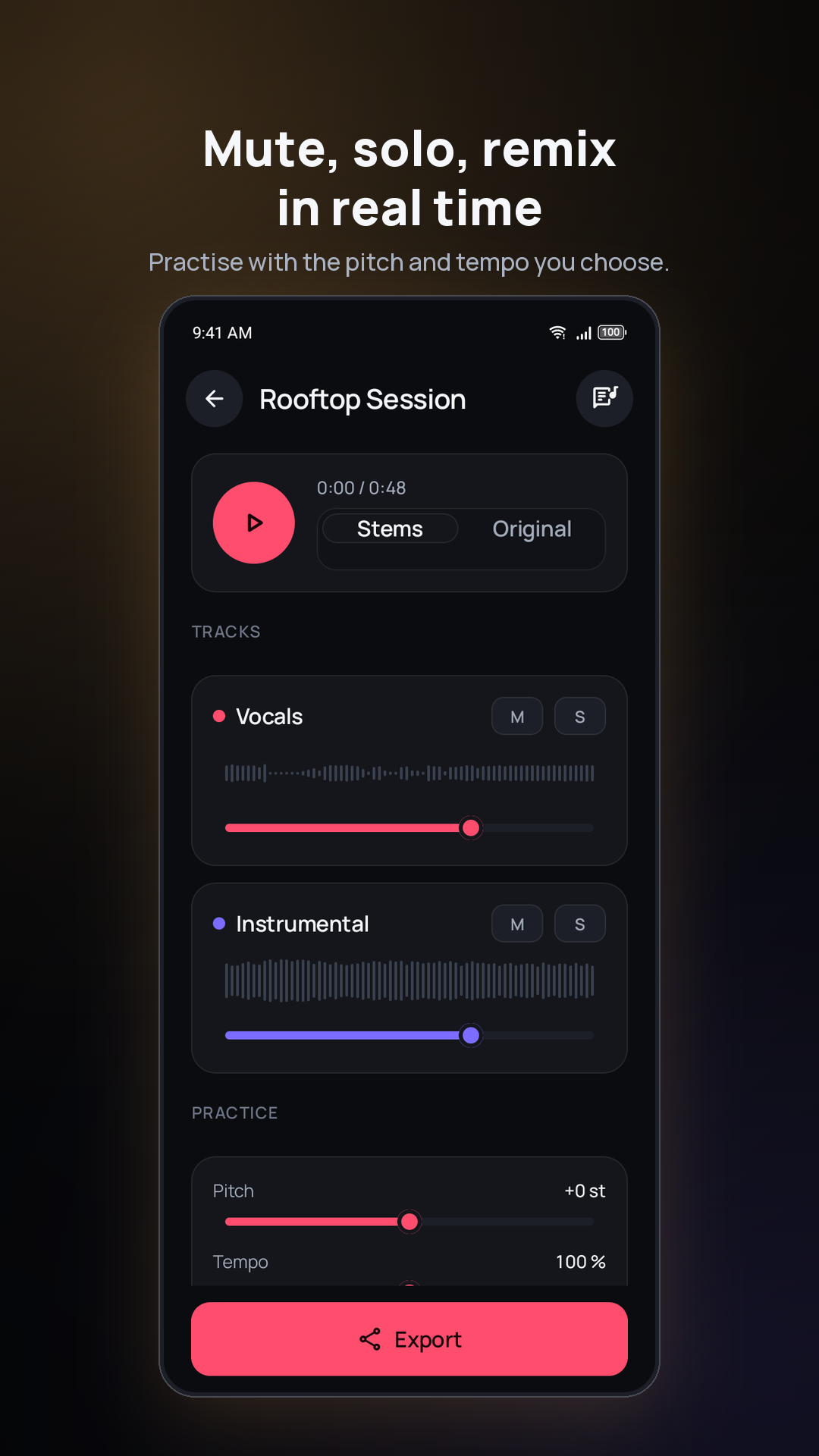
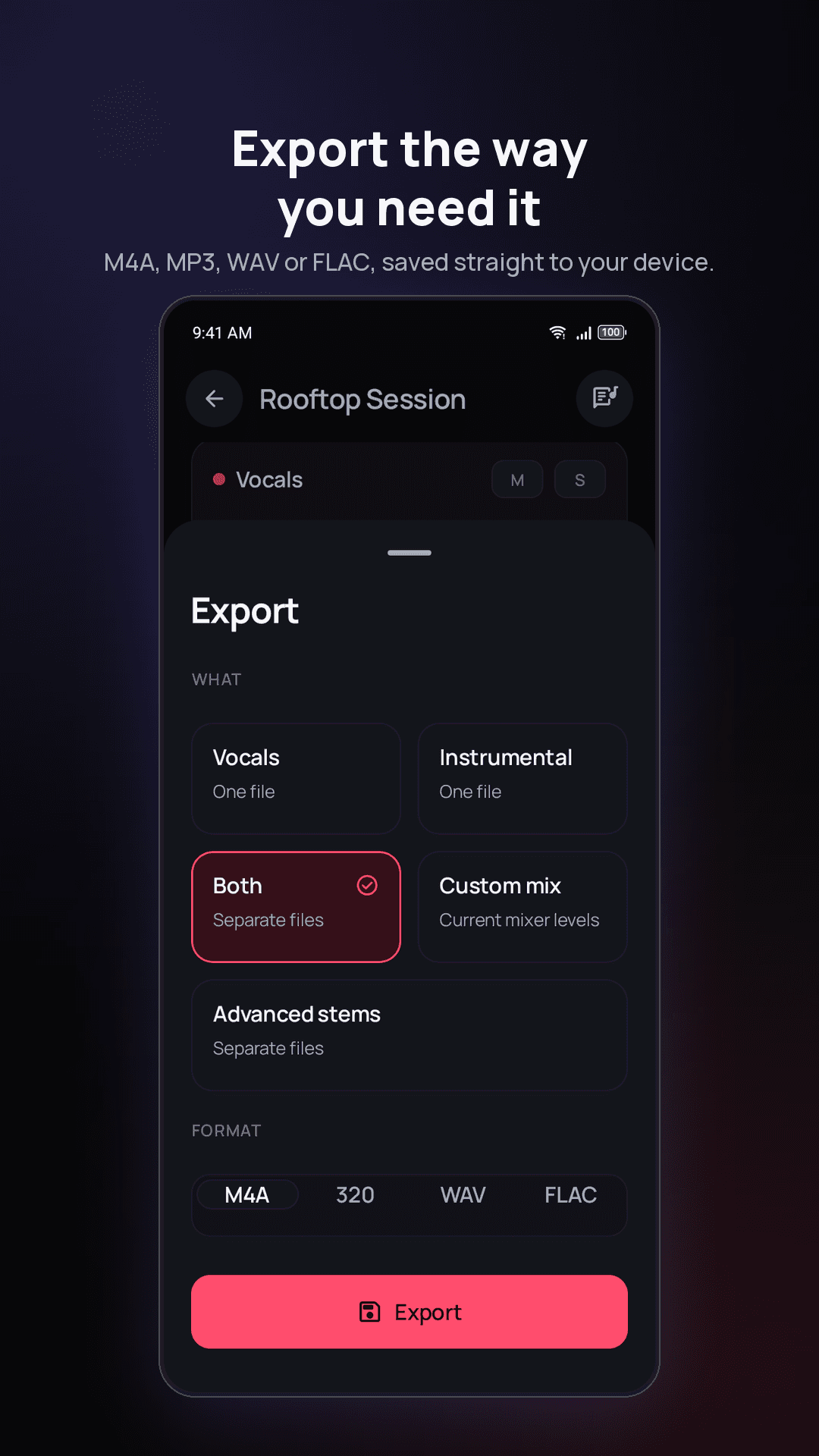
M4A, WAV and FLAC, up to 320 kbps and lossless. You can export the vocals, the instrumental, both as separate files, or a custom mix at your current mixer levels. On Android files save to your Music and Movies folders; on iPhone they go to the share sheet, so you choose Files, Photos or another app.
Is Vocly on iPhone?
+
Yes. Vocly is on the App Store for iPhone and on Google Play for Android, with the same on-device separation on both. On iPhone it needs iOS 17 or later.
How do I remove vocals from a song on iPhone?
+
Open Vocly, pick the song from Files or a video from Photos, and tap Separate. You get the vocals and the instrumental as separate tracks, then export the instrumental as your karaoke version. Nothing is uploaded — it runs on the phone.
How do I make a karaoke track from any song?
+
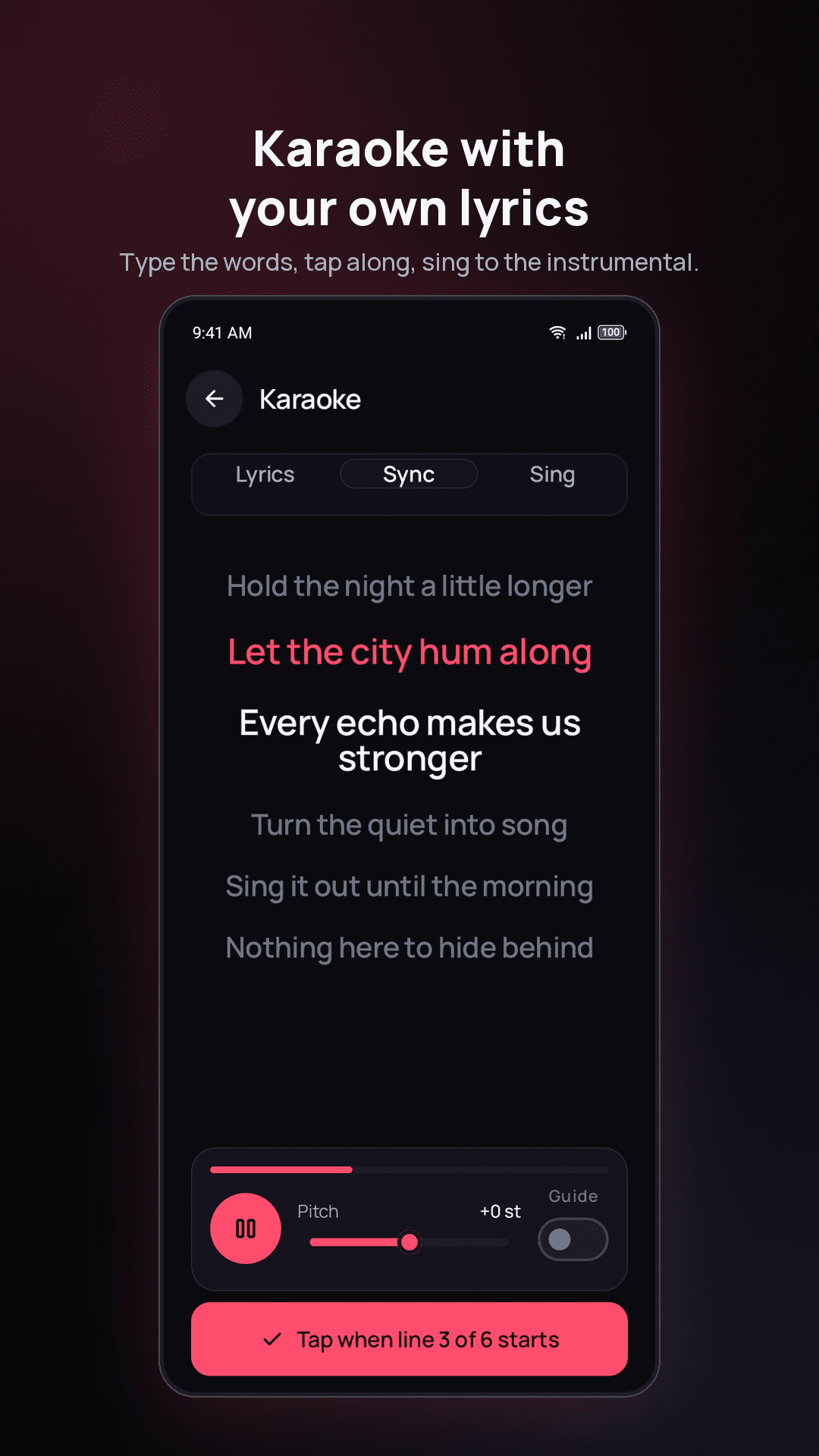
Separate the song, then export only the instrumental. If you want to sing along with the words on screen, paste the lyrics into karaoke mode and tap along to sync them — the instrumental plays while the lyrics scroll.
Can I keep only the vocals — an acapella?
+
Yes. The same separation gives you the vocal stem on its own. Export just the vocals to get an acapella for learning a part, sampling, or practising harmonies.
Will the instrumental be perfectly clean?
+
Usually close, rarely perfect, and no app can promise otherwise — separation is an estimate from the finished mix. Dry, modern recordings with one lead voice come out cleanest. Dense live recordings and heavy reverb leave more behind. Starting from a WAV or FLAC rather than a small MP3 helps.
Is Vocly free?
+
Yes, free with ads. Vocly Pro removes ads and unlocks the HQ model, all export formats, video export and unlimited separations. Pro is sold two ways — a monthly subscription, or a one-time lifetime purchase if you would rather pay once — through the App Store on iPhone and Google Play on Android.