Sizra app iconSizra

Image resizer · Photo compressor · Android

Make a photo the size a form demands.

Pick a photo, pick a limit — 50 KB, 100 KB, or anything you type — and get a file that fits. Always at or under, never over. Runs on your phone, with nothing uploaded.

Sizra screenshot
Sizra main screen

Why this one is different

Under the limit is the only thing that counts

Most compressors give you a quality slider and a result you then have to check. Sizra works the other way round: you state the limit the form gave you, and it works backwards to a file at or under it. It also fixes the other half of the problem, which is format — an iPhone HEIC photo is rejected by many portals no matter how small it is, so Sizra converts to JPG in the same step. And because the files people need to shrink are usually passports, payslips and application photos, none of it is uploaded anywhere.

At or under, alwaysNot approximately. 1 KB is read as 1000 bytes, the stricter reading.
Any target20 KB to 1 MB as presets, or type the number the form gave you.
HEIC and WebP to JPGThe other reason uploads get rejected, fixed in the same pass.
Nothing uploadedNo account, no server, works in airplane mode.
Metadata strippedLocation, camera and timestamps removed by default.
No watermarkAnd no cap on how many images you resize.

What the app stores, and what it does not, is set out in the privacy policy.

What Sizra does

From rejected upload to accepted, in seconds

Compress

State the limit, get a file that fits

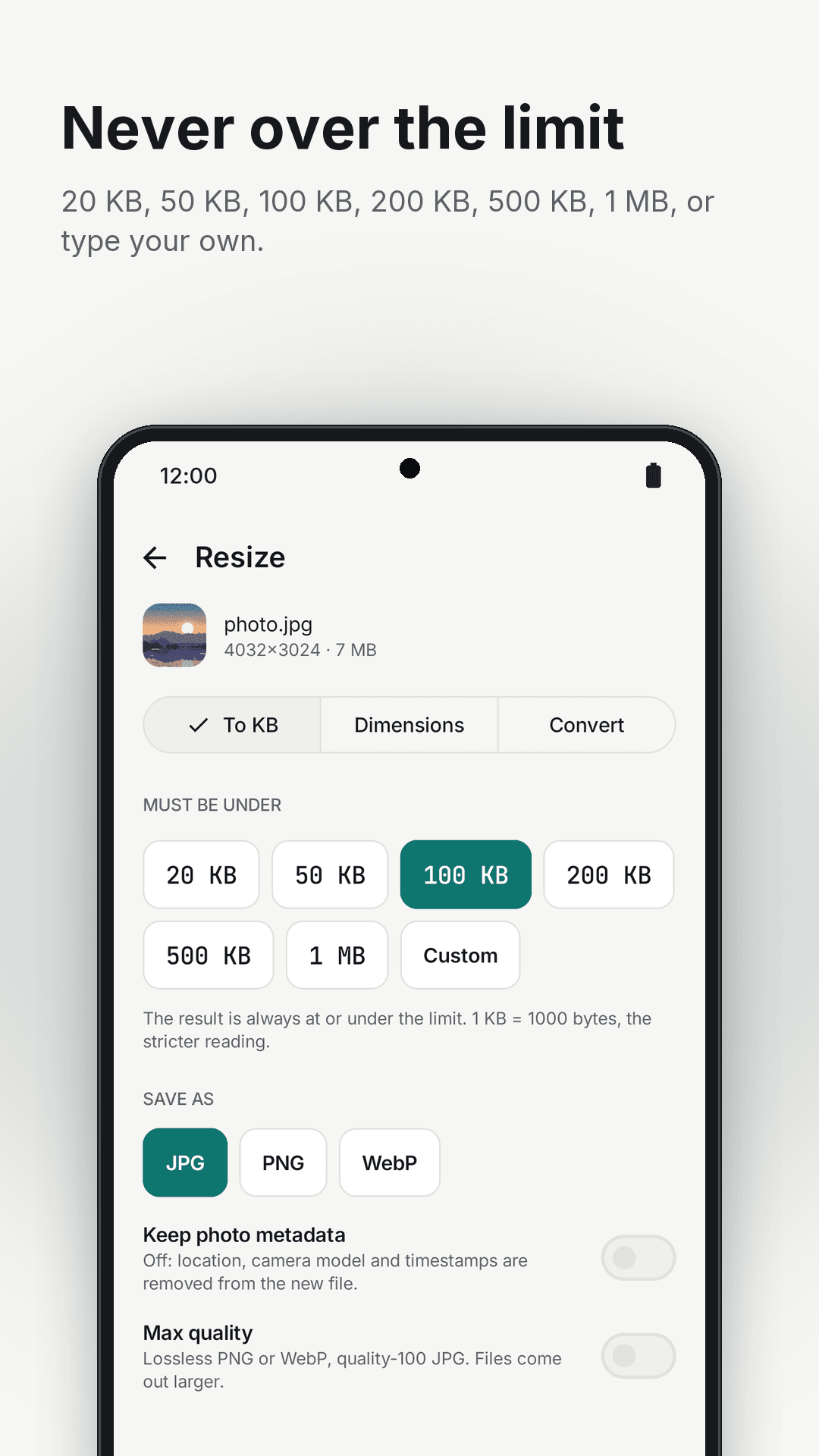
  • Presets for 20 KB, 50 KB, 100 KB, 200 KB, 500 KB and 1 MB
  • Or type any target in KB or MB
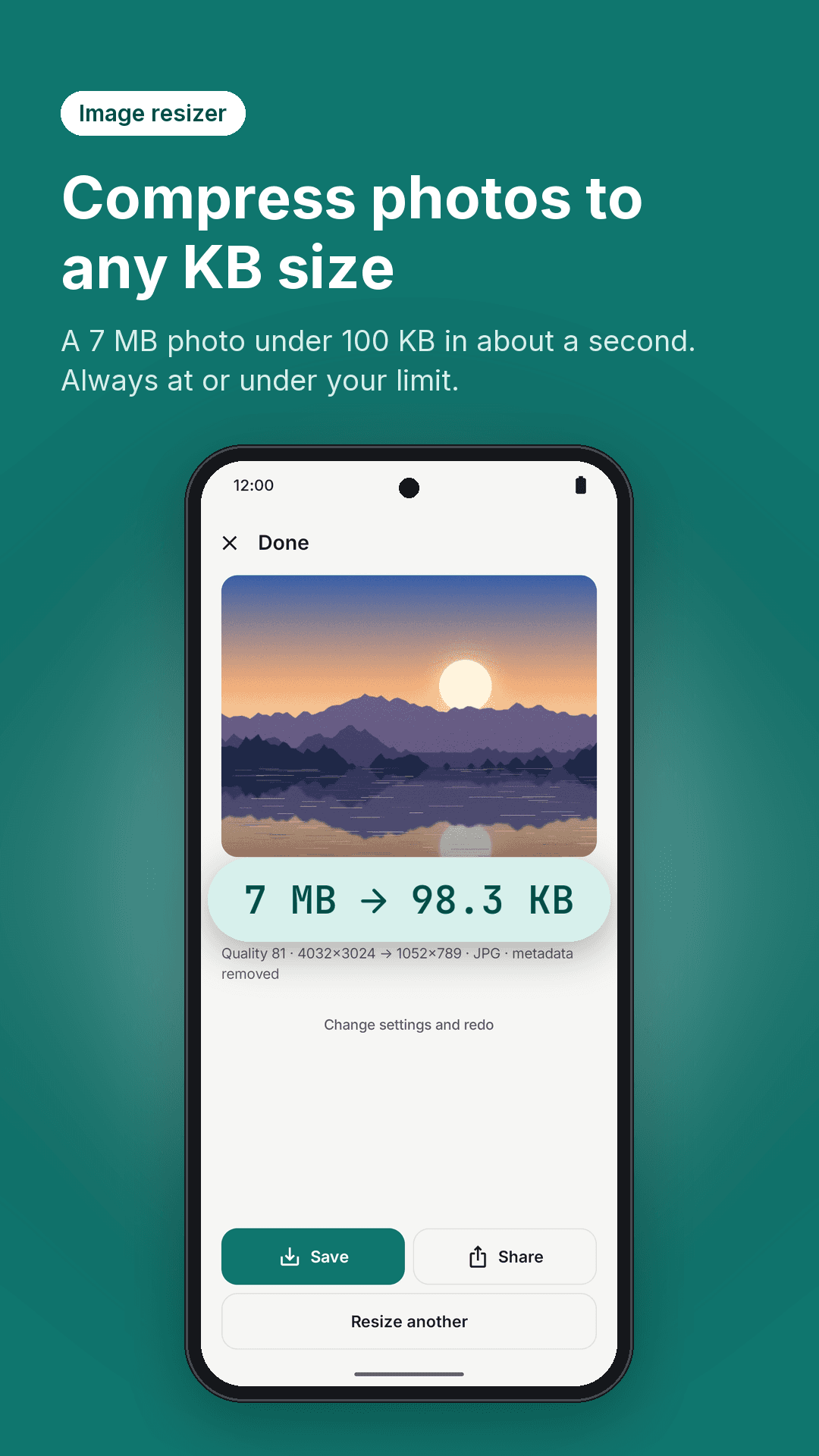
  • The result is always at or under — see it instantly, 7 MB to 98 KB
  • Save as JPG, PNG or WebP
Sizra size presets — 20 KB to 1 MB or a custom target

Resize

Exact pixels, when the form asks for those too

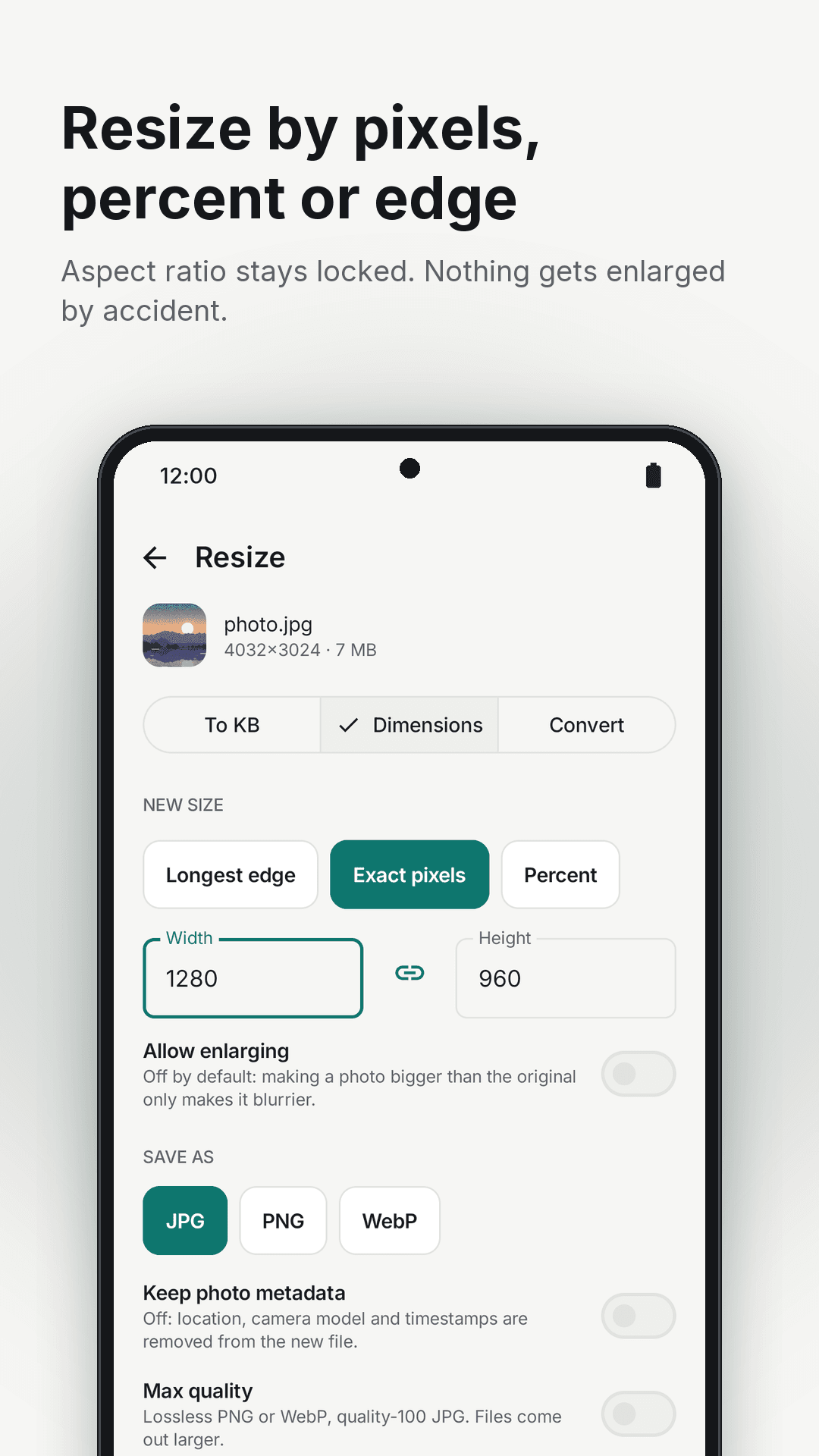
  • By exact pixels, by percentage, or by longest edge
  • Lock or unlock the aspect ratio
  • Never stretches, and never upscales without your say-so
Sizra resize by dimensions — pixels, percentage or longest edge

Convert

The format every portal accepts

  • HEIC to JPG, so iPhone photos stop being rejected
  • WebP to JPG, and PNG to JPG and back
  • A clear note when transparency will be filled
Sizra result — a 7 MB photo compressed to 98.3 KB and converted to JPG

Forms

Built for the upload that just failed

  • Job applications and CV portals
  • Visa, passport and ID applications
  • University and school admissions, and online exams
  • Government and tax portals, and email attachments
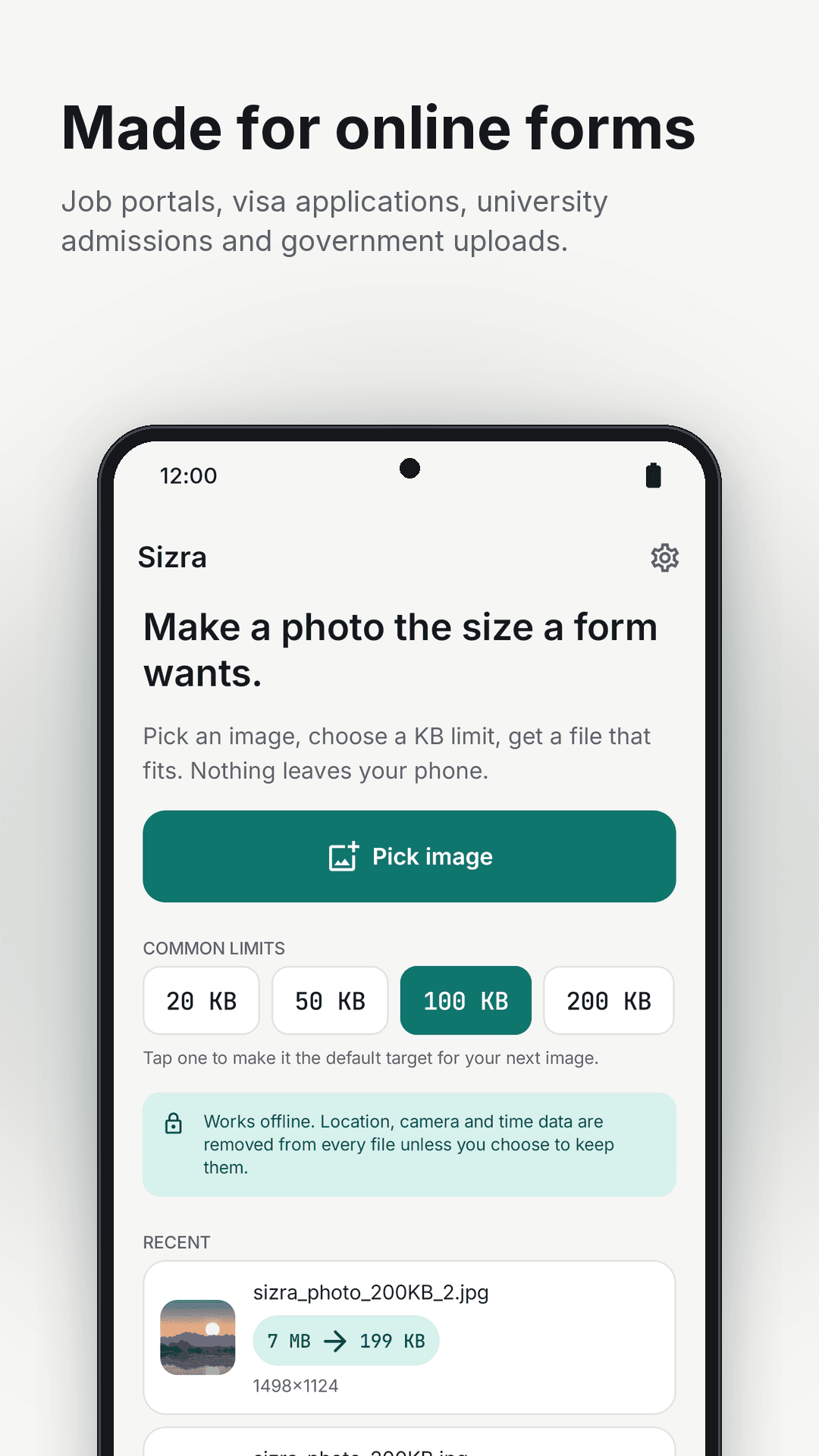
Sizra made for forms — job portals, visas, admissions and government uploads

Private

The photo never leaves the phone

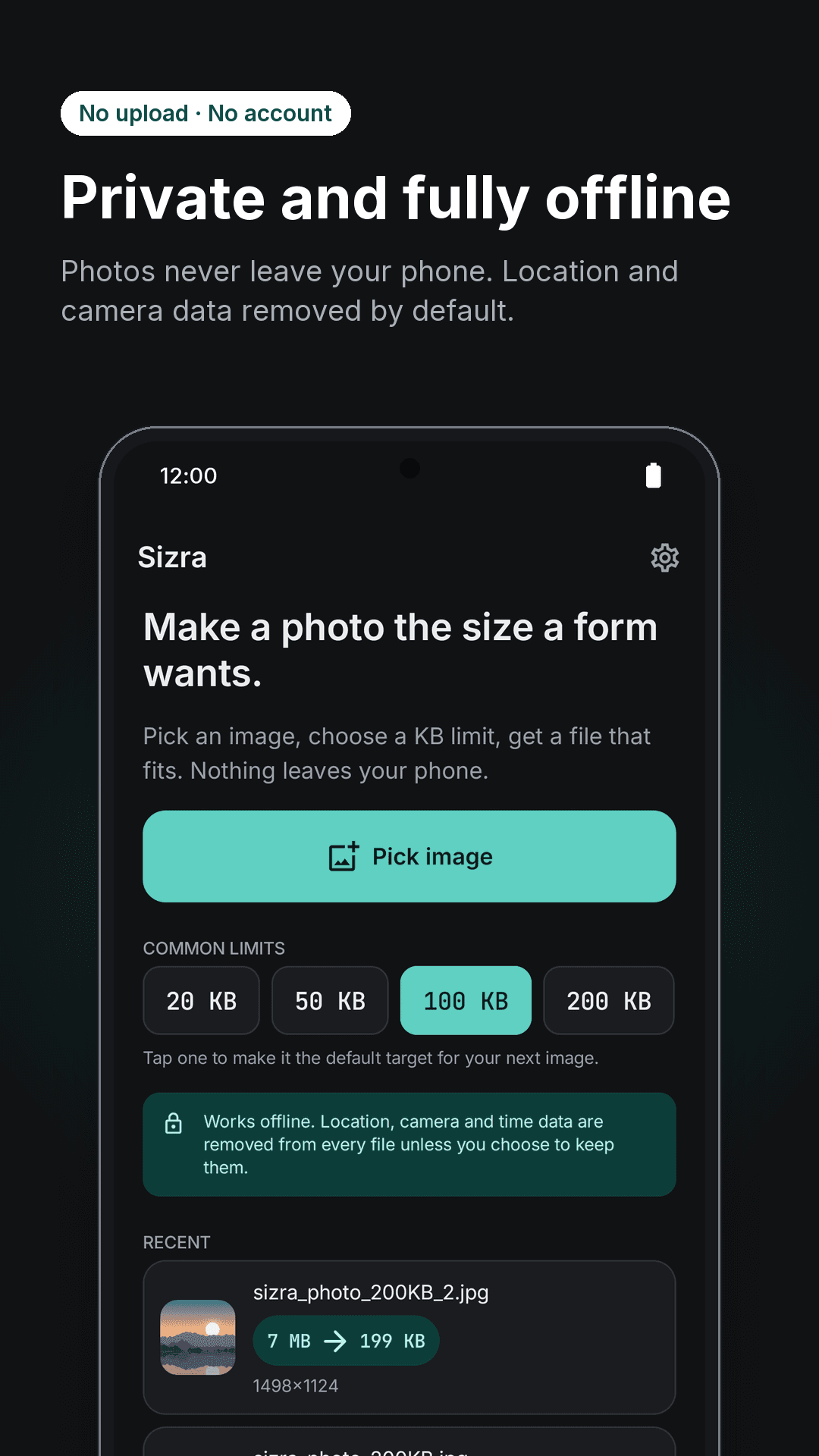
  • No upload, no account, and it works with no internet
  • Location, camera model and timestamps removed by default
  • Only the photos you pick — never access to your whole gallery
Sizra home screen — pick an image, choose a KB limit, processed offline

Pricing

Free, and no watermark.

The resizer is free with ads — no stamp on the output, and no cap on how many images you resize.

  • Free — every size preset, custom targets, dimensions and format conversion
  • No watermark on any export, and no limit on how many images
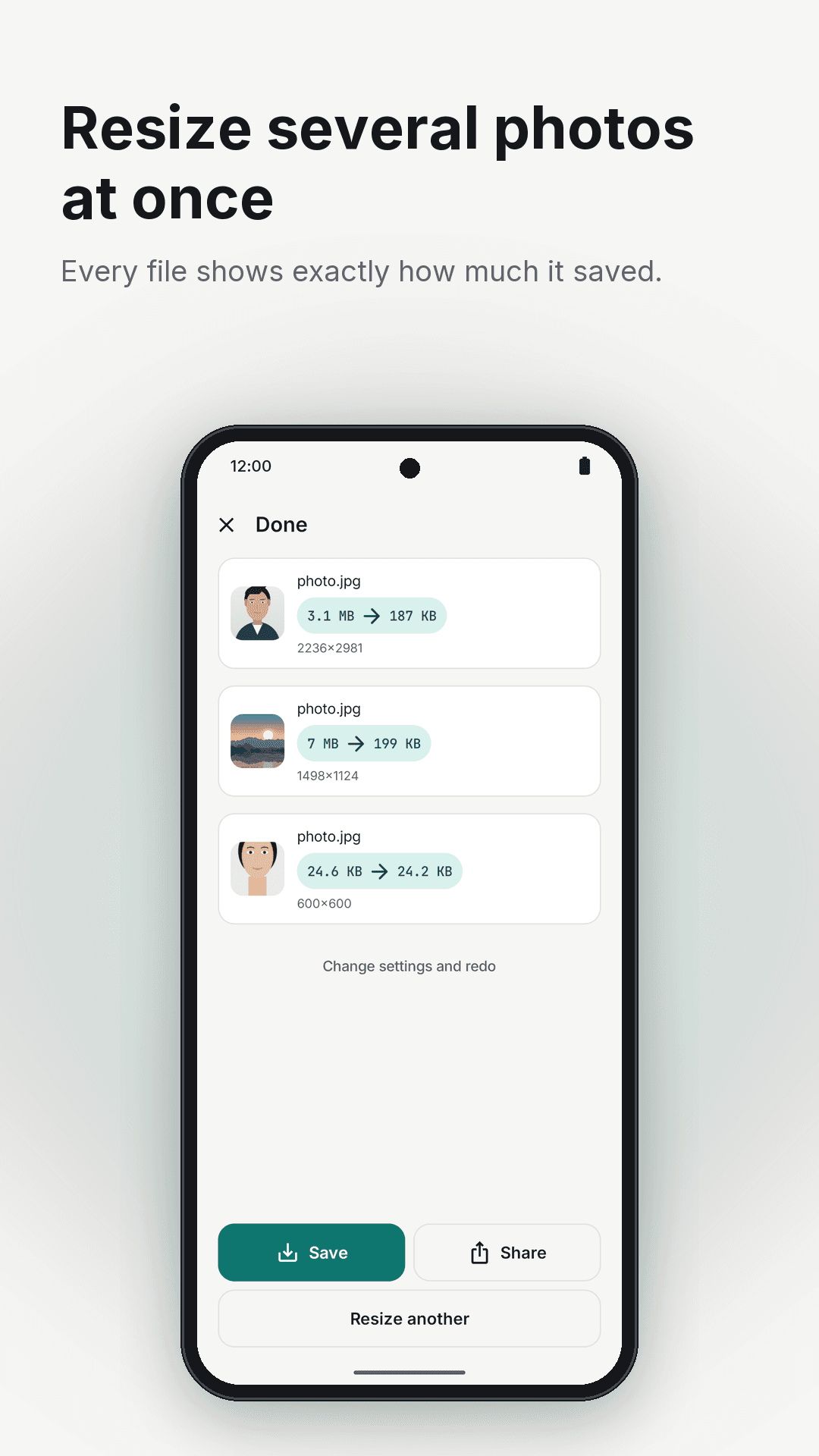
  • Sizra Pro removes ads and adds batch resizing and maximum-quality export

Sizra Pro is a subscription. The core resizer is free and stays free.

Take a look

Sizra, screen by screen

Sizra result screen — a 7 MB photo compressed to 98.3 KB, with the quality and dimensions used
Sizra size presets — 20 KB to 1 MB or a custom target, with JPG, PNG and WebP output
Sizra resize by dimensions — exact pixels, percentage or longest edge, with aspect ratio locked
Sizra made for forms — job portals, visa applications, admissions and government uploads
Sizra home screen — pick an image, choose a KB limit, with everything processed offline
Sizra batch resizing — the same limit applied to several photos at once

From the blog

More on Sizra

Questions

Sizra — frequently asked

How do I resize an image to exactly 100 KB?

Pick the photo, tap the 100 KB preset, and save. Sizra works backwards from the limit rather than from a quality slider, and the result is always at or under it. There are presets from 20 KB to 1 MB, and you can type any target in KB or MB.

My photo is too large to upload. What do I do?

Compress it to the form's stated limit rather than guessing at a quality setting. If the form rejects the file even at the right size, the format is the other common cause — an iPhone HEIC file is refused by many portals regardless of how small it is.

Why won't my iPhone photo upload to a website?

Because iPhones save photos as HEIC by default and most upload forms only accept JPG or PNG. Renaming the file does not help — the data inside is still HEIC. Sizra converts it properly to JPG, and can hit a size limit in the same step.

Is it safe to compress an ID or passport photo?

With Sizra, yes, because nothing is uploaded. That is the reason it matters here: the documents people most often need to shrink are passports, bank statements and application photos, and most free compressors are websites that receive your file.

Will compressing remove my photo's location data?

Yes, by default. Location, camera model and timestamps are removed from the file Sizra creates, so a photo you attach to a form carries no hidden information. You can turn that off if you need the metadata kept.

Does Sizra add a watermark?

No. No stamp, no logo, and no cap on how many images you can resize. The core resizer is free and stays free.

Can I resize to exact pixel dimensions too?

Yes — by exact pixels, by percentage, or by longest edge, with the aspect ratio locked or unlocked. Photos are not stretched or upscaled unless you ask for it. Useful when a form specifies both a pixel size and a file size.

Does it work without internet?

Completely. Every resize, conversion and compression happens on the phone, so it works in airplane mode and there is no account to sign in to.

What formats can Sizra convert?

HEIC and WebP to JPG so every website accepts the file, and PNG to JPG and back. When converting away from a format with transparency, it tells you the transparent areas will be filled rather than letting you find out afterwards.

Is Sizra free?

The resizer is free with ads, with no watermark and no limit on how many images you resize. Sizra Pro is a subscription that removes ads and adds batch resizing and maximum-quality export.

Sizra app icon

Resize it to the size they asked for.

Free on Google Play. Nothing leaves your phone.

Questions? hello@nainnielabs.com · Privacy policy