
Photo watermark · Batch · Android
Watermark any photo in seconds.
Text or logo, dragged exactly where you want it with a live preview — then tiled, batched across an album, and saved as a preset for next time. All on your phone.


Yours, and only yours
Your photos never leave your device
The point of a watermark is protecting work you are about to share. It would be odd to upload that work to a stranger's server first — so Markly does not. Every watermark is composited on your phone, and the app only ever sees the images you pick through the Android photo picker.
What the app does and does not collect is in the privacy policy.
What Markly does
From an unmarked photo to a branded one
Place it
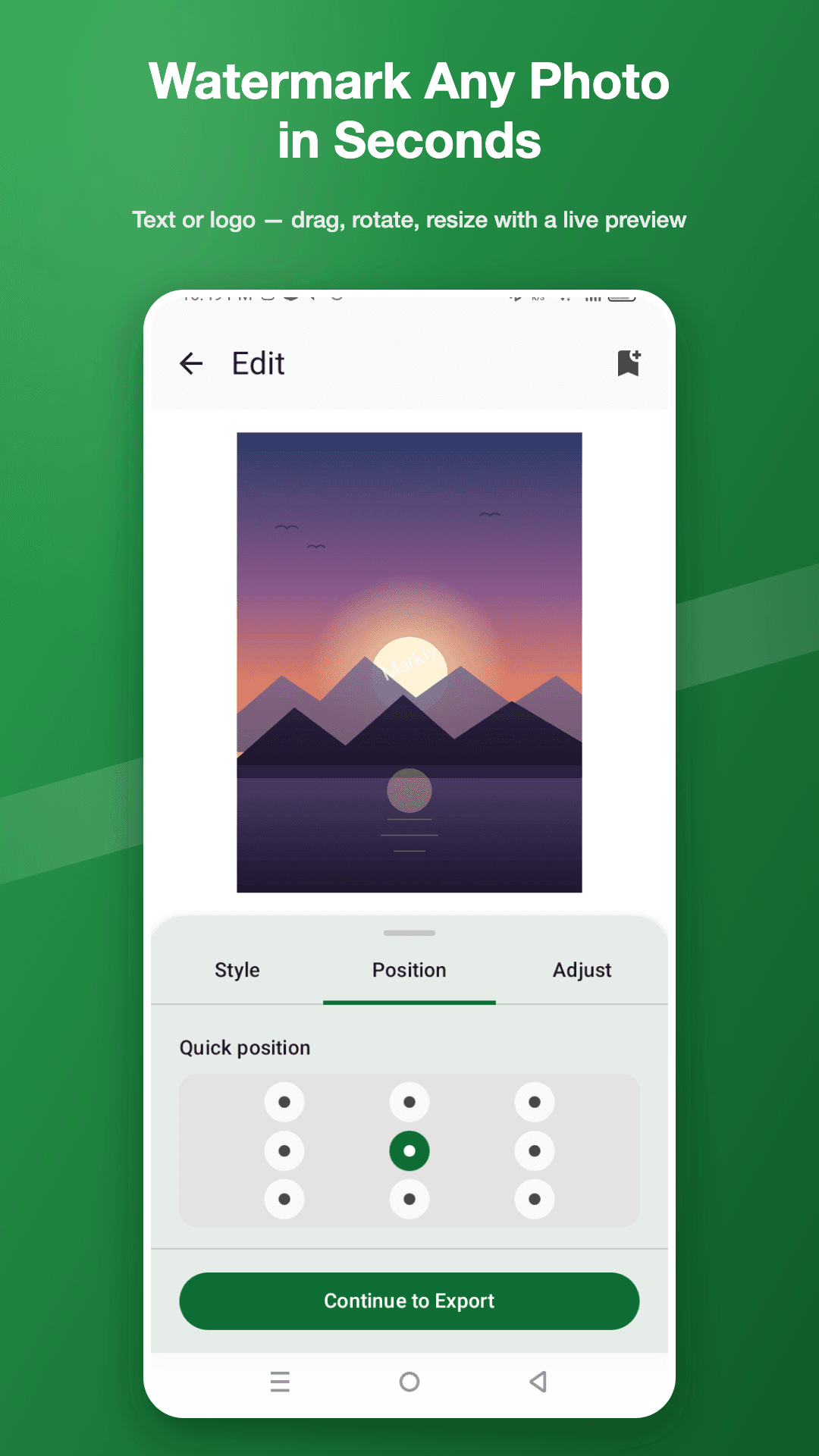
Exactly where you want it
- Drag anywhere with a live preview, or snap to nine preset positions
- Rotate and resize until it sits right
- Choose the font, size, colour and opacity

Batch
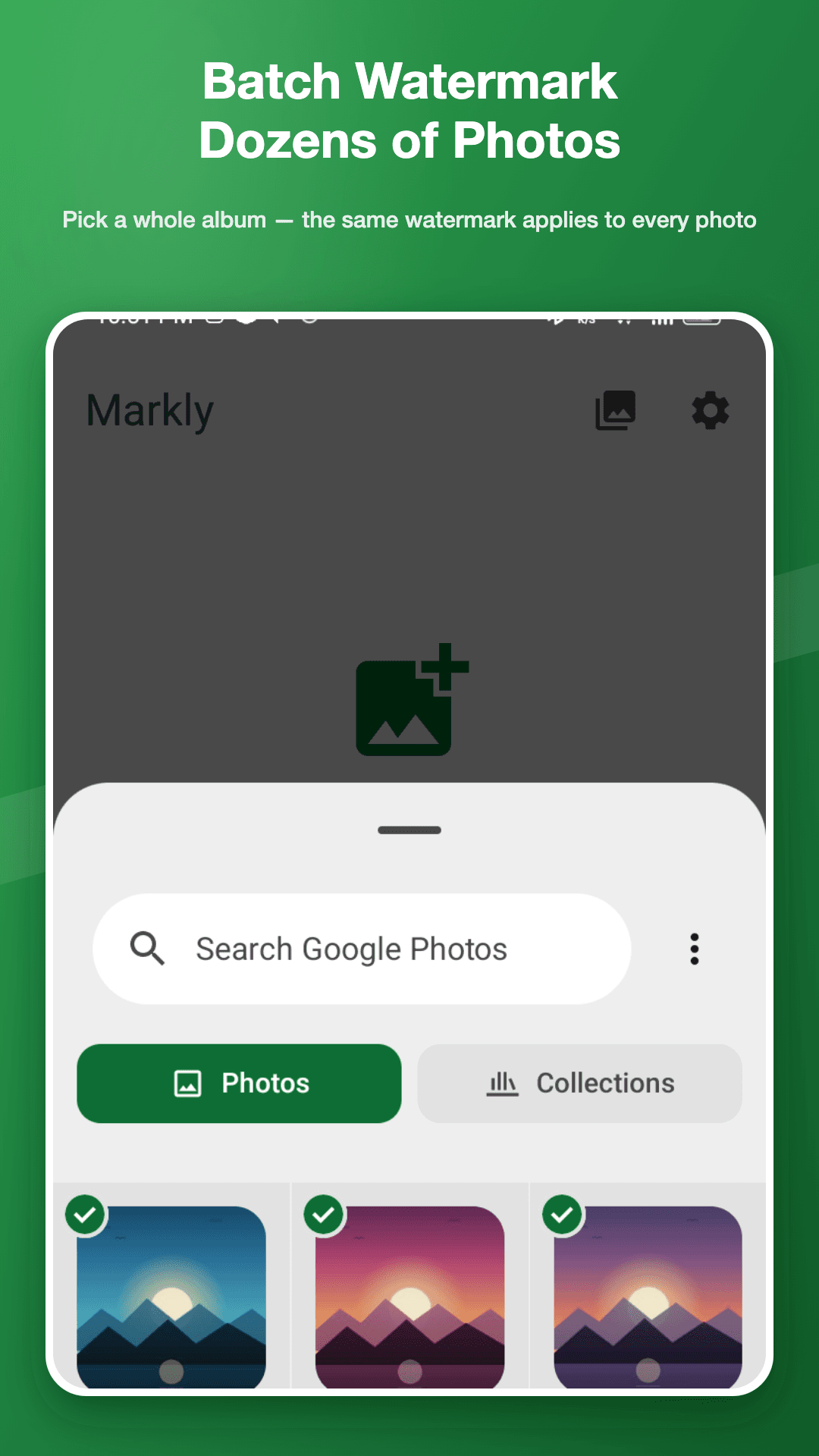
A whole album in one pass
- Select many photos and apply the same watermark to all of them
- No repeating the same edit for every image
- Built for product listings and client previews

Presets
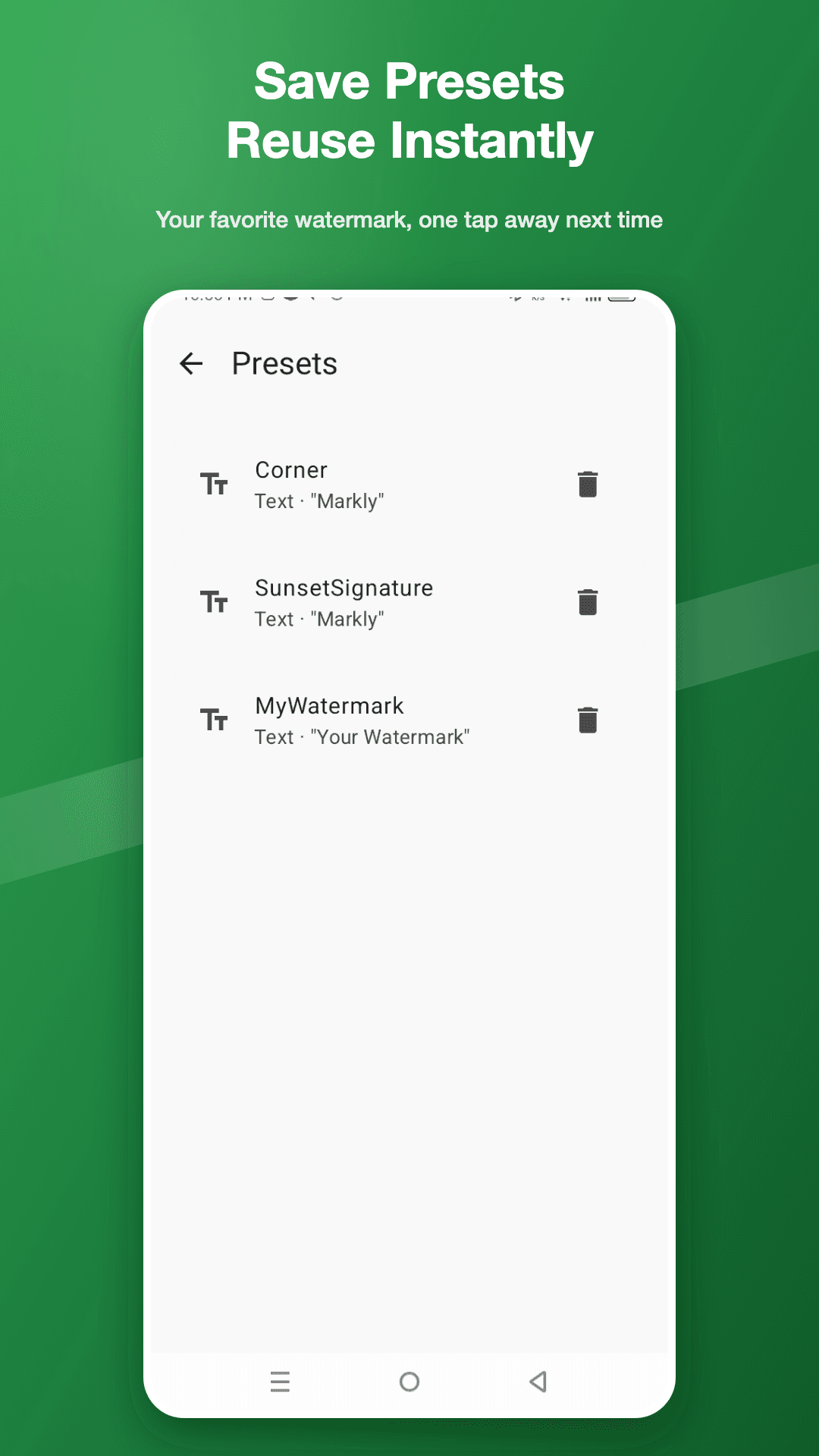
Your usual setup, one tap away
- Markly remembers your recent watermark setups
- Your logo, position and opacity ready next time you open it
- Save several and switch between them

Export
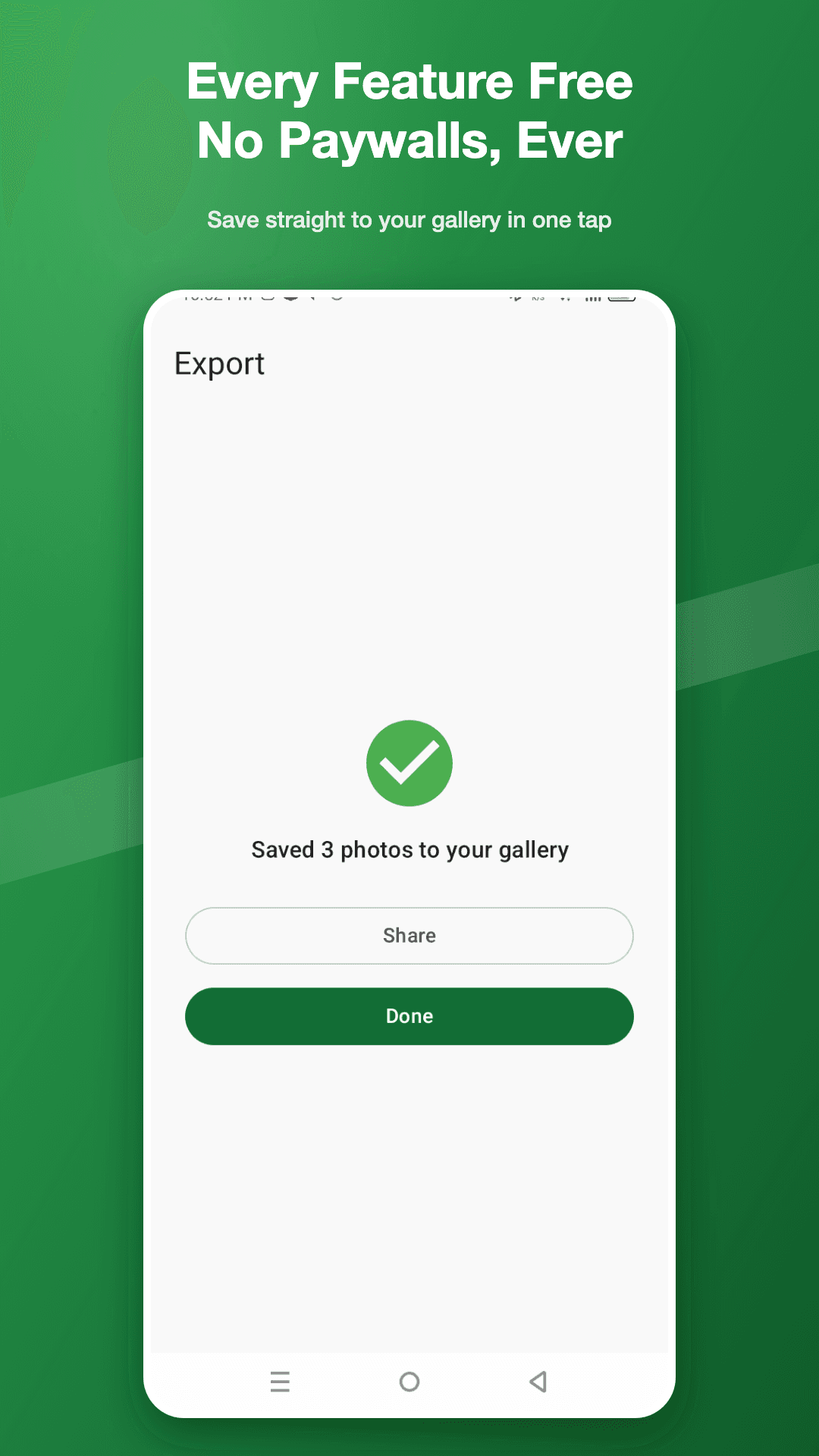
Straight to your gallery, or straight out
- Save watermarked photos to your gallery in one tap
- Share to social apps, email or messaging from inside Markly
- No paywall on any of it

Pricing
Every feature free. No paywalls, ever.
Every watermarking tool in the app is available to everyone. Markly is supported by ads rather than by locking features away.
- Free — no account, no sign-up, no subscription
- Text, logo, tiled, batch and presets all included
- A one-time purchase turns ads off — and unlocks nothing, because nothing is locked
Markly uses the Android photo picker to read only the images you choose, and saves your finished photos back to your gallery.
Take a look
Markly, screen by screen
Questions
Markly — frequently asked
Are my photos uploaded anywhere?
No. Everything happens on your device — Markly has no server that could receive your photos. It uses the Android photo picker to read only the images you choose, and saves the finished ones back to your gallery.
Is Markly free?
Yes, and every watermarking tool is available to all users. Ads support the app. There is an optional one-time purchase that turns ads off permanently, but it unlocks no extra features, because none are locked.
Can I use my own logo as a watermark?
Yes. Import your logo or signature image and place it on your photos. Transparent PNG files are supported, so the logo sits naturally on the picture rather than in a white box.
Can I watermark many photos at once?
Yes. Batch mode lets you select multiple photos and apply the same watermark to all of them in one pass — useful for product listings or a set of client previews.
What is a tiled watermark for?
It repeats your mark diagonally across the whole image instead of placing it once. That makes it much harder for someone to crop the watermark out, which matters for work you post publicly.
Watermark your photos in seconds.
Free on Google Play.
Questions? hello@nainnielabs.com · Privacy policy