Is there a background remover with no watermark?
+
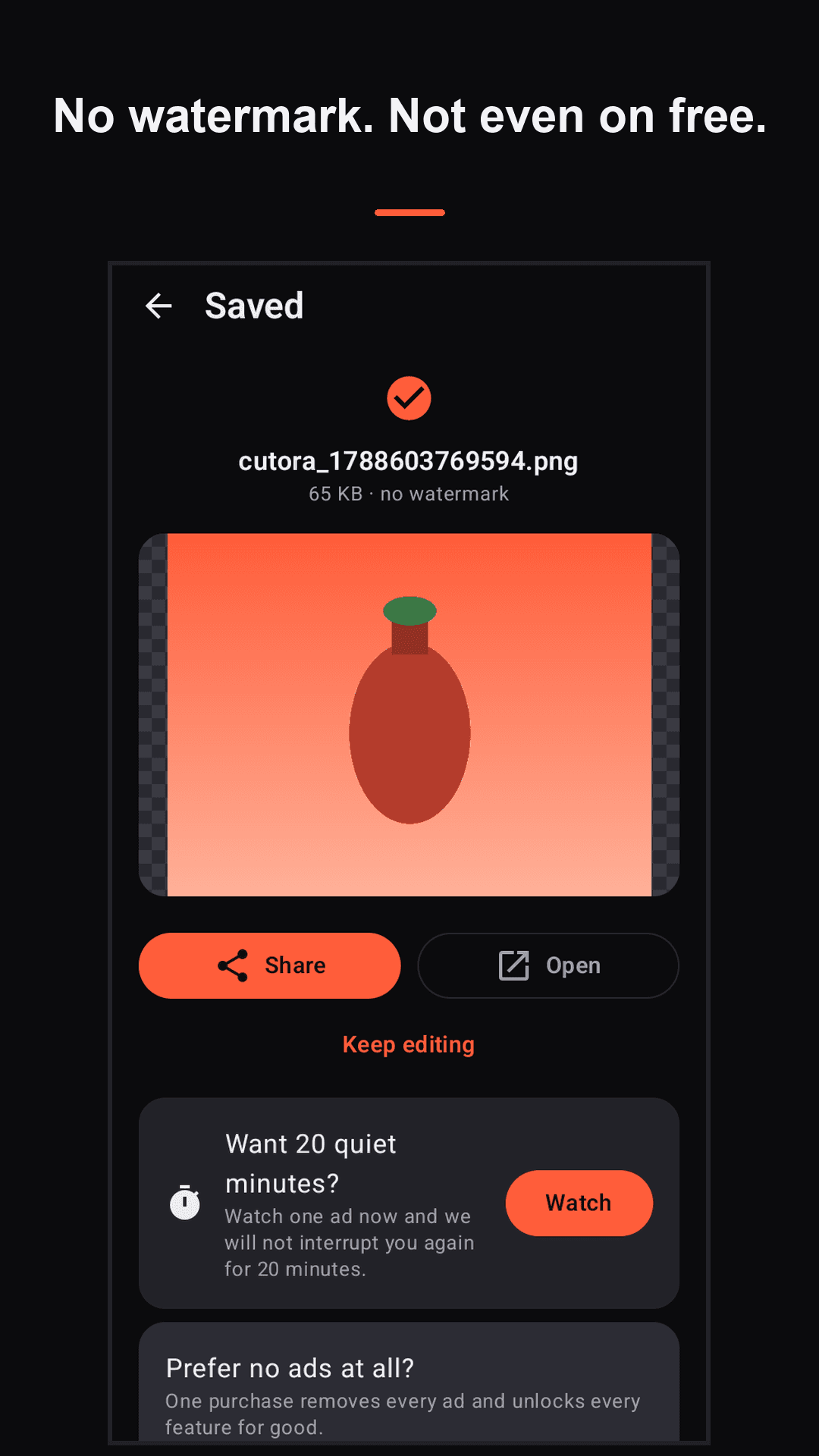
Yes — Cutora never stamps an export, on the free version or the paid one. PNG with transparency, JPG, WebP and PDF all come out exactly as you made them. Most free background erasers watermark the result or hold full resolution back until you subscribe; Cutora does neither.
Can I remove a photo background without internet?
+
Yes. The AI cutout runs on your phone, not on a server, so Cutora works in airplane mode, on a plane, or with no signal. Nothing is uploaded and nothing is queued to upload later.
Does Cutora upload my photos anywhere?
+
No. Most background eraser apps send your pictures to a server to do the work, which means your photos sit on someone else's machine. Cutora has no server to send them to — the cutout is computed on your device and the photo never leaves it.
How do I make a transparent PNG on Android?
+
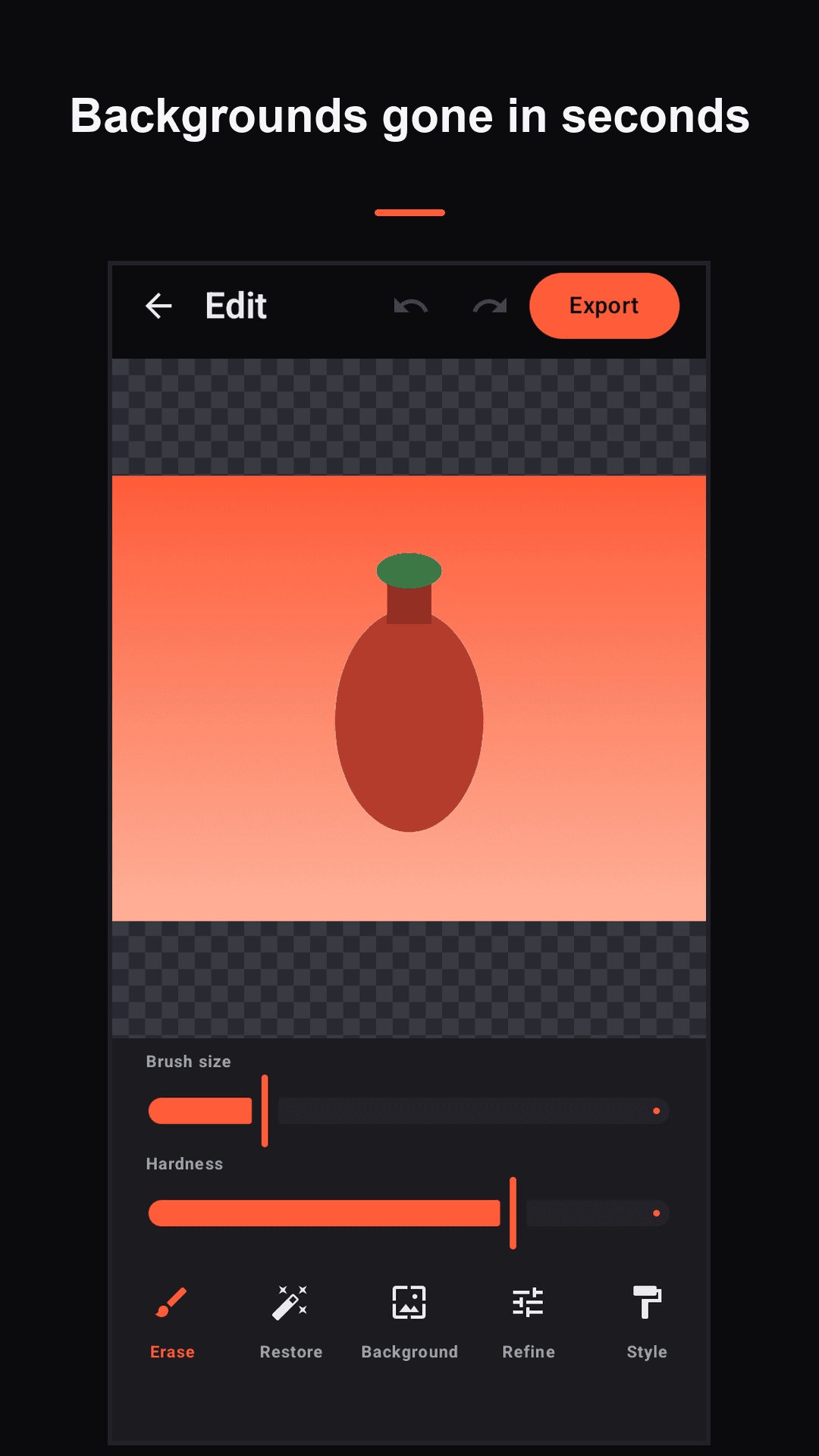
Open the photo in Cutora, let it detect the subject, then preview the cutout against the checkerboard to confirm the background is really gone. Export as PNG and you get true transparency — or copy it straight to the clipboard and paste it into another app.
How do I get a white background product photo for Amazon or Etsy?
+
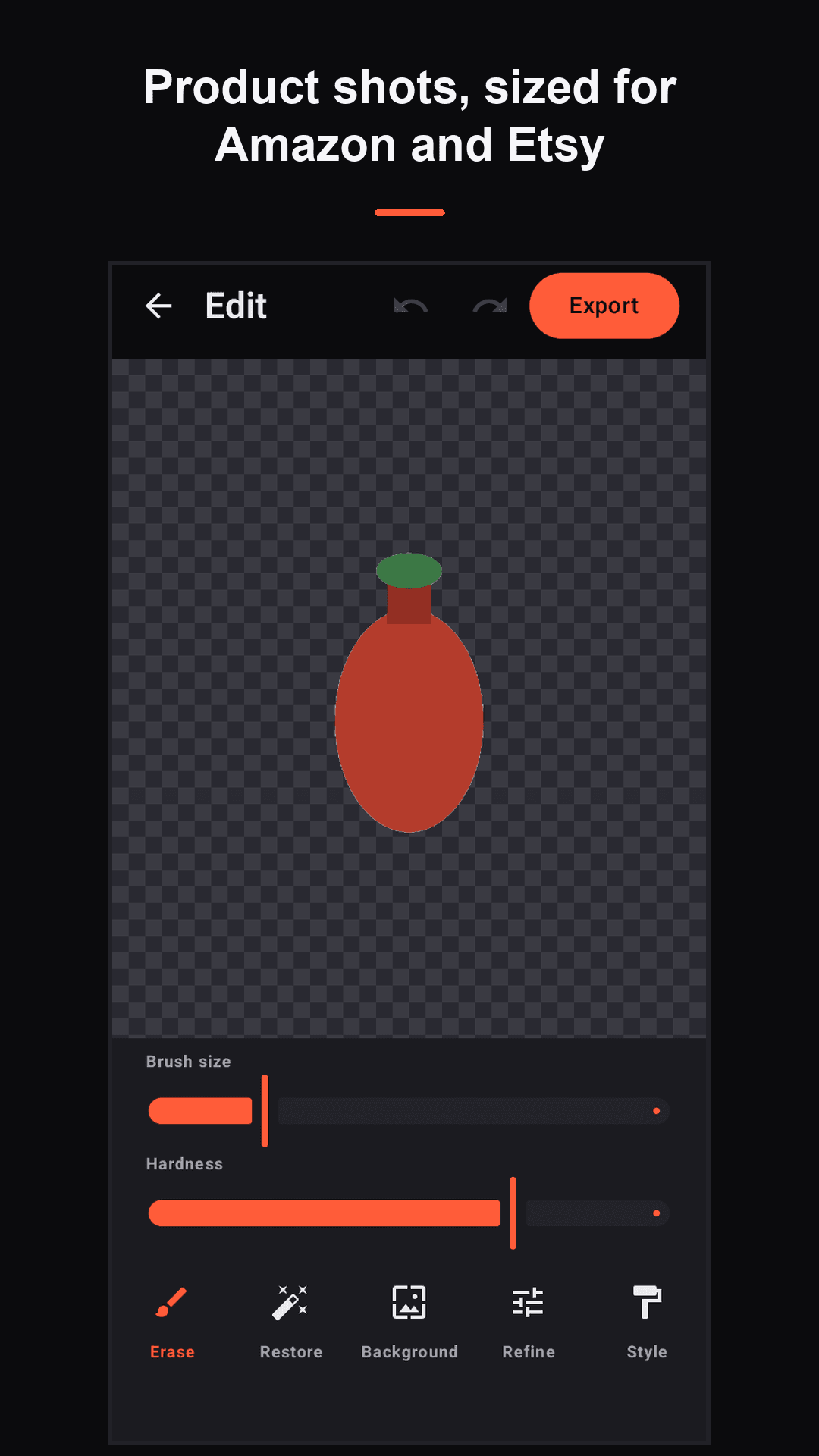
Use Product mode. It removes the background, places the subject on pure white, auto-centres it and exports a square 1000×1000 image — the size and background Amazon, eBay, Etsy, Shopify and Facebook Marketplace ask for. Batch mode applies the same treatment to a whole set of photos at once.
How do I turn a photo of my signature into a transparent PNG?
+
Photograph your signature on paper, open it in Cutora and use signature mode. It drops the paper background and leaves the ink on transparency, so the PNG can be placed over a contract or a letterhead without a white box around it. No upload, which matters when the image is your actual signature.
Can I make WhatsApp stickers from my own photos?
+
Yes. Cut out the subject, add an outline if you want the classic sticker look, and Cutora exports a pack sized to 512×512 — the dimensions WhatsApp requires — ready to add to your sticker tray.
Can I remove the background from several photos at once?
+
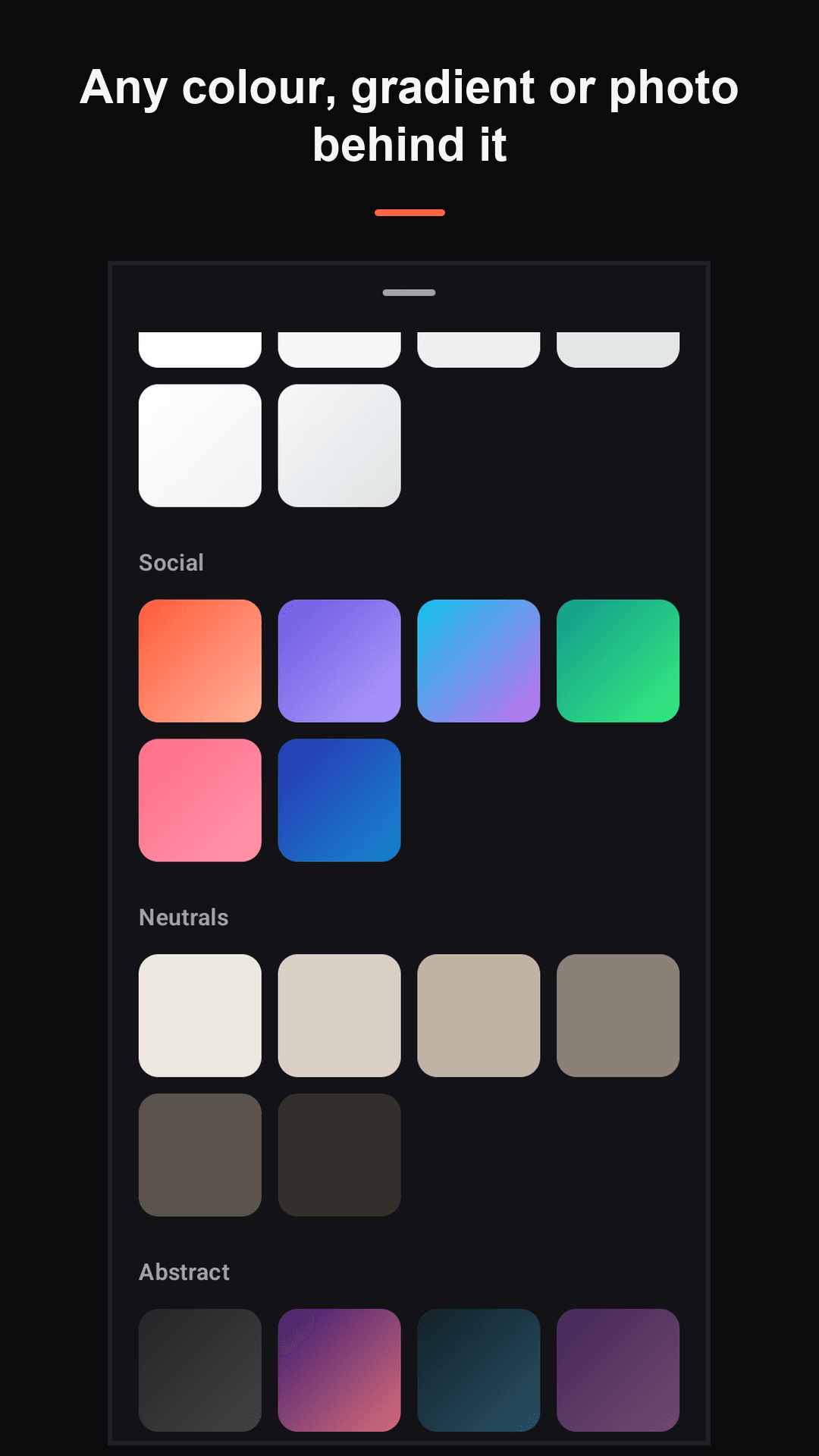
Yes. Batch mode processes a set of photos and applies the same background — transparent, white, a colour or an image — to all of them, which is the point when you are listing a shelf of products rather than editing one picture.
Does it handle hair and fine edges?
+
Edge refine gives you feather, smooth and a hair-detail setting for the places automatic detection struggles with. For anything it still gets wrong, the erase and restore brushes let you zoom in and fix the edge by hand.
What formats can I export?
+
PNG with real transparency, JPG, WebP, and PDF as a single page or many. There are presets for profile pictures, Instagram posts, stories and e-commerce squares, so you are not resizing afterwards.
Is Cutora free?
+
Every feature is free. HD and batch exports can be unlocked by watching a short ad, or a single one-time purchase removes all ads permanently. There is no subscription and no feature locked behind one.
How big is the app?
+
Under 5 MB. The cutout model runs on-device, so there is no large download and no waiting for a server round trip on every photo.